
Portal facelift
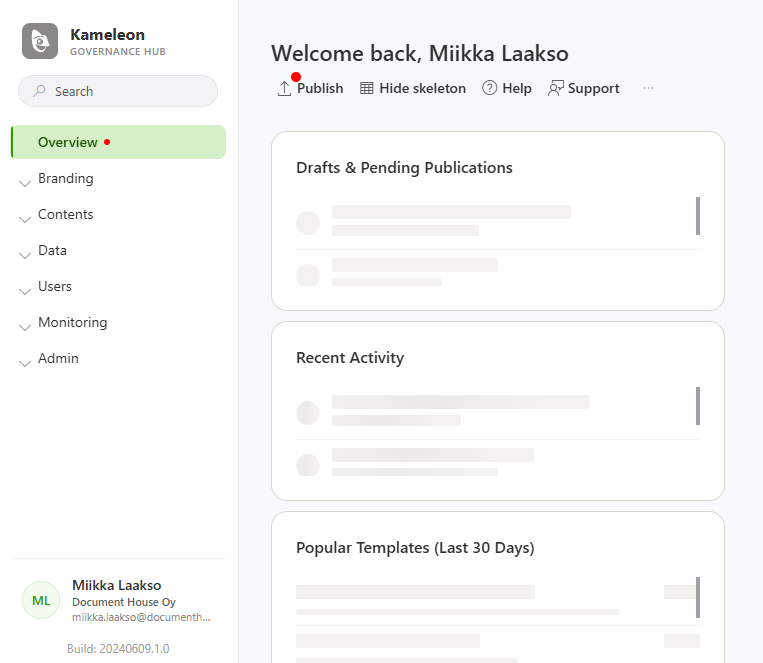
Kameleon Portal has received a complete visual refresh for a cleaner, more modern, and streamlined workflow.
-
Publishing & Notifications: The Publish button is now located on the Overview page, featuring a red badge to notify you of pending changes.
-
Streamlined Sidebar: The user menu and search bar have been moved directly into the navigation pane for easier access.
-
Activity & Overview Cards: The front page now features structured cards that give you an instant overview of your recent activity, drafts, and popular templates at a glance.
Outlook signatures
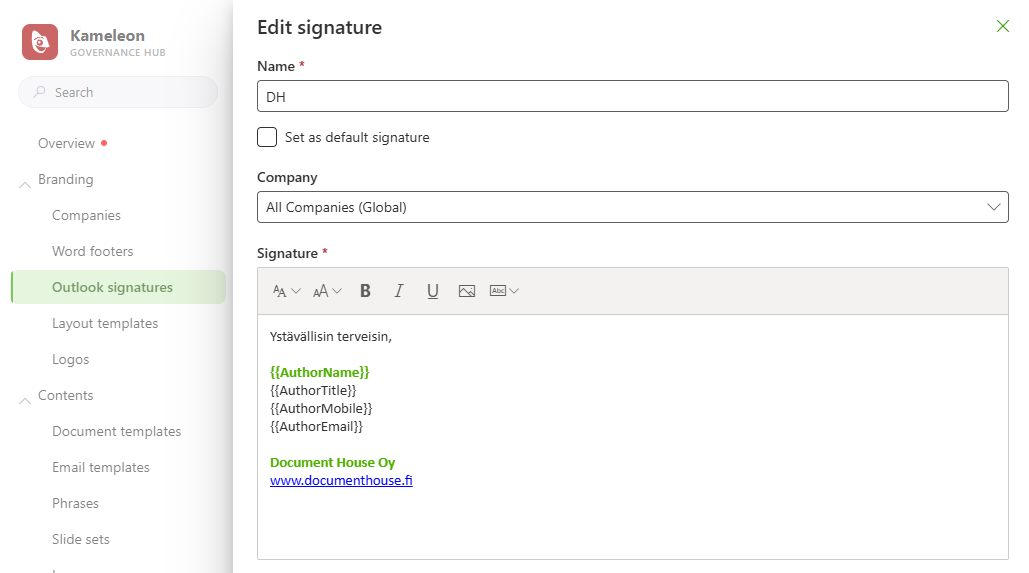
Manage and update email signatures across your entire organization from a single place, ensuring consistent branding for everyone.
Note: Using this feature requires updating your Outlook add-in manifest.
Word conditional blocks
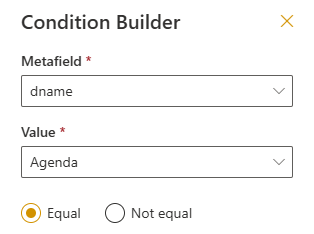
You can now wrap selected text, tables, or sections directly inside Word-documents with conditional logic using the Content Tool. The condition is evaluated and applied once when the document is generated, automatically including or excluding the wrapped content based on your rules.

Other
-
Phrase Visibility Control: You can now choose whether specific phrase category appear in Word, Outlook, or both.
-
Recent Saving Locations: Added Recent locations to the saving and SharePoint publishing destination lists for quicker file navigation.
-
Email Statistics in Portal: Email usage and activity are now tracked directly in the portal statistics.
-
Dynamic Email Subjects: Email template subjects now support dynamic placeholders.
-
Office Usability: Improved focus behavior so clicking templates/actions smoothly returns focus back to your document.
-
Advanced Conditional Logic: Added support for full
if-statementsin combined fields. See full syntax in Combined metafields page.