AI-Powered Slide Sets
We have introduced the AI-powered Slide sets and Slide Builder, a new way to automatically populate branded slide templates with your structured data using AI. Instead of manually copying and pasting information into layouts, you can now generate finished, professionally formatted slides in seconds. Read more at Creating AI-Powered Slide Sets with Dynamic Placeholders
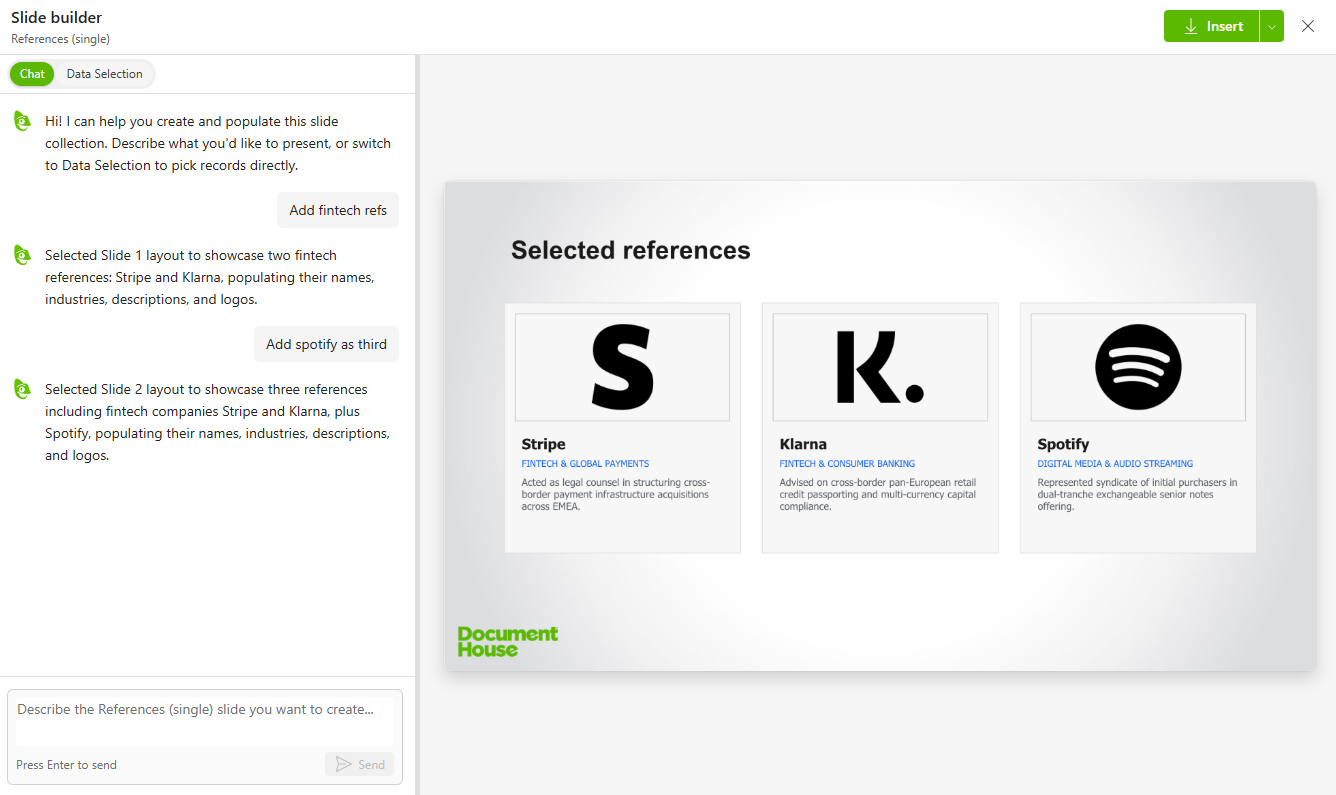
Kameleon uses AI models from Microsoft Azure and all data is processed within EU data boundary.
AI slide sets are only available in new Kameleon UI
Content Tools facelift
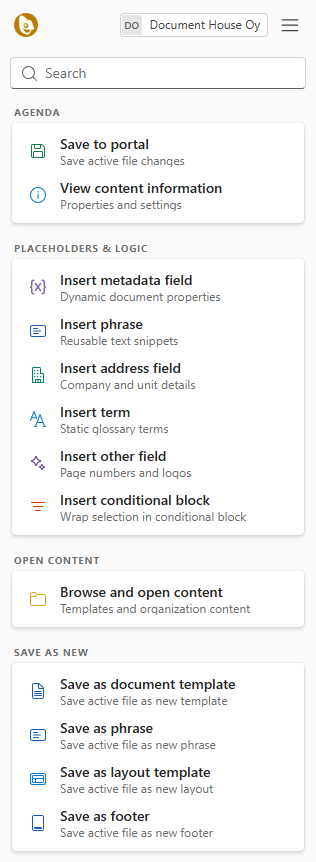
Content Tools has been redesigned to align seamlessly with the design language of our Kameleon Office client, delivering a cohesive and modern user experience. Each featuring descriptive labels and clear iconography for inserting metadata, phrases, conditional blocks, and saving templates. A streamlined header and search bar further simplify navigation, reducing the clicks needed to locate and execute key actions.
Office facelift
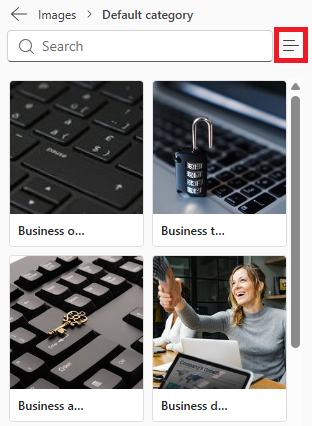
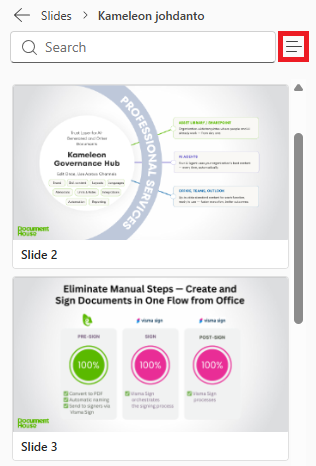
We’re continuing to refine the interface to streamline your workflow. You'll notice a refreshed view when selecting media: images are organized into a grid, and presentation slides now show large, legible previews to help insert it into your presentation with fewer steps.
Other
-
Manage CSV data sources directly in Content Tools: You can now directly view and modify uploaded CSV data sources within the Content tool, eliminating the need to edit externally and re-upload.
-
Unified Iconography in Hub: Aligned icon styles across Admin Tools and the Hub for a more consistent visual experience and interface navigation.
-
Persistent Custom Properties: You can now mark custom properties to keep them across updates, rather than having them stripped by default. Details: Preserve custom properties
-
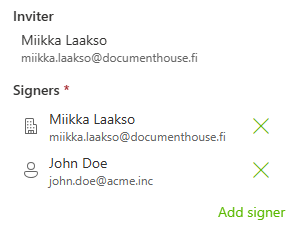
Visma Sign author is now by default Organization: Documents sent through the Visma Sign integration now set the sender/author to the organization type by default rather than the private person. Organization and private persons are better show in UI: