
User groups
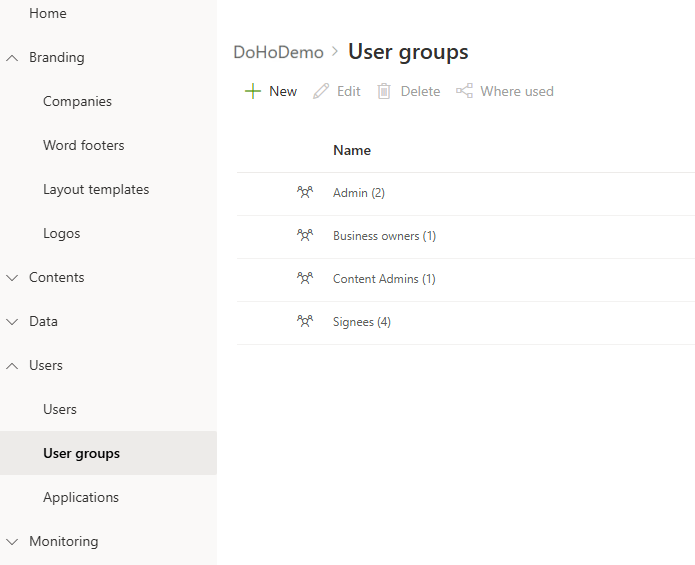
You can create groups for Admins, Content-admins, Business-owners and Visma-Sign signees. You can also create a group for document categories.
Admins
Users belonging to the admin group can perform all functions in the portal. Kameleon Content Tool can be deployed to Admins.
Content-admins
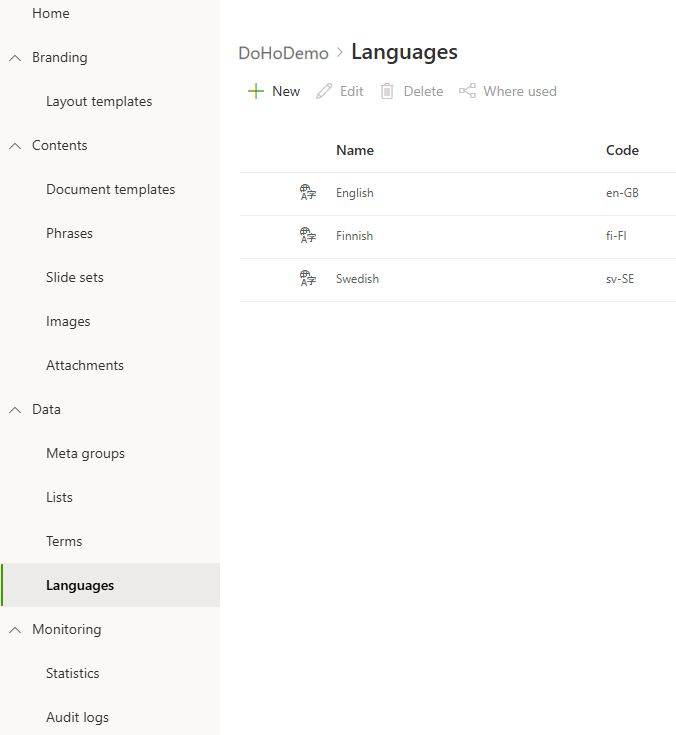
Users belonging to the content-admins group can edit content and create new content. Kameleon Content Tool can be deployed to Content-admins.
Business-owners
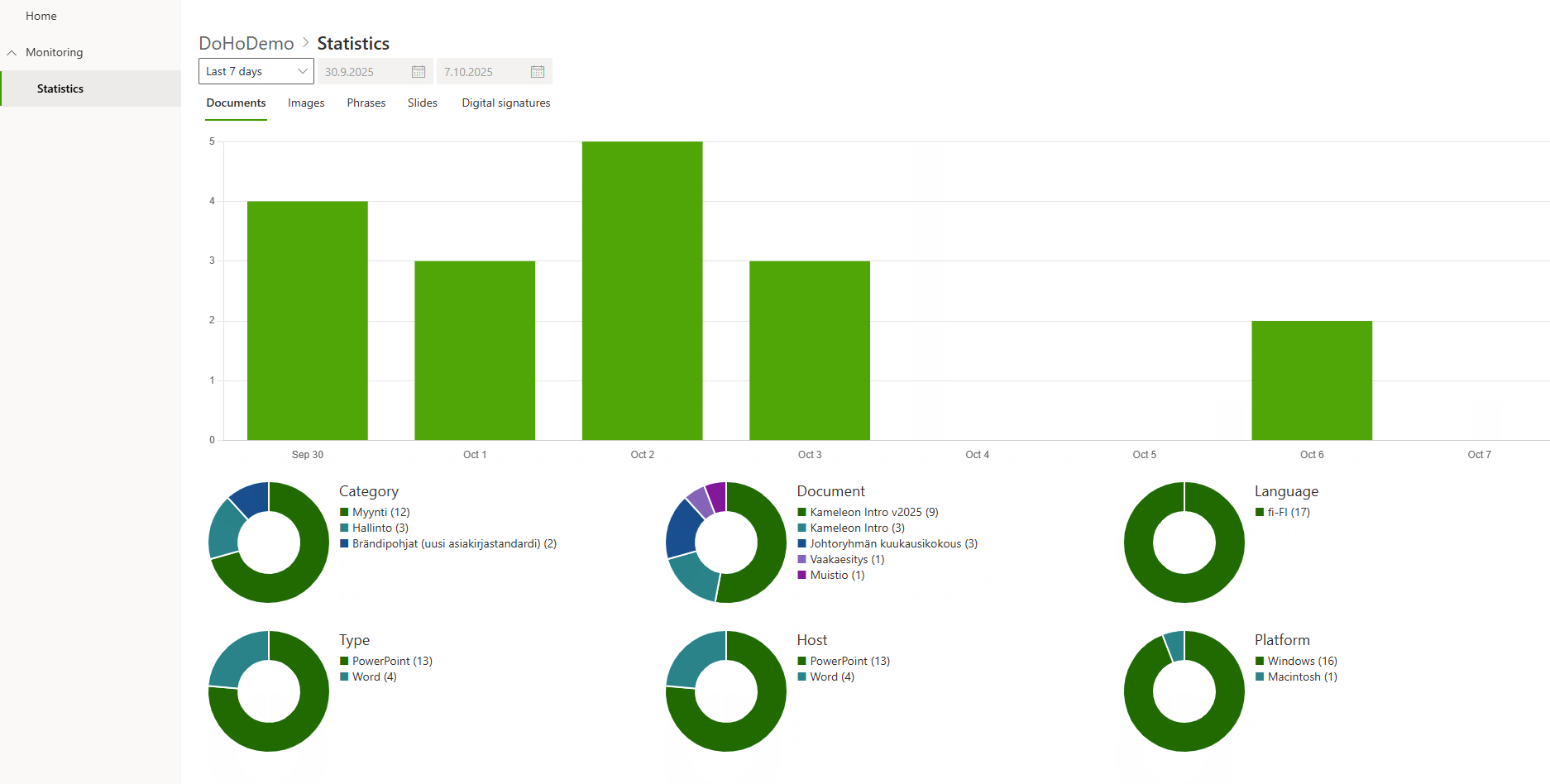
Users belonging to the business-owner group can see the statistics, but cannot make any updates in the portal.
Visma-Sign signees
If Visma-Sign integration is in use, the users who have the right to use visma-sign must be added to the Portal as Visma-Sign signees.
No access
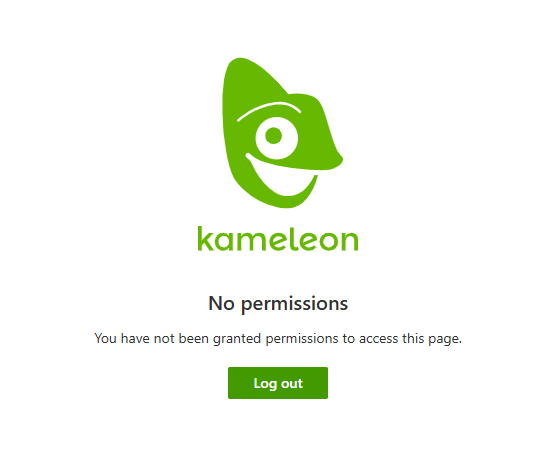
If users are Visma-Sign signees or have no access at all, they can not sign to portal.
Group for document categories
You can also select that some document categories are shown to special users. Create a group for them.
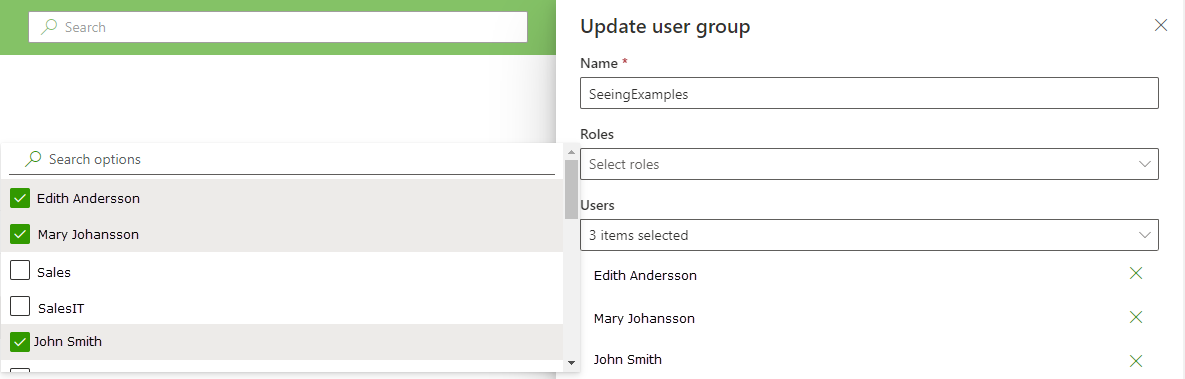
Select users to the group, Role is not needed.
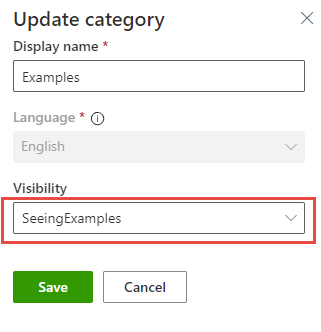
Select group in Document category’s Visibility. Only selected users can see this Document category and it’s documents.
Add users to the user group
Add users to portal and then you can choose roles to them.